Turn any idea
into a deck.
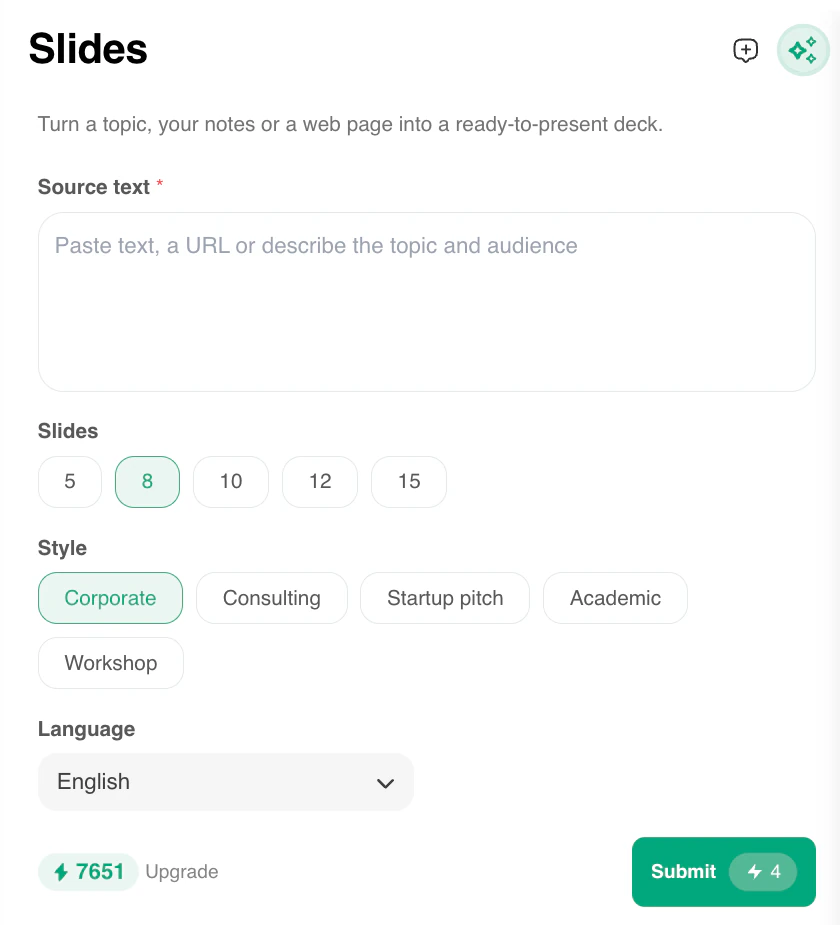
Paste a topic, your notes or a link and get a ready-to-present deck. Pick the slide count, style and language, then present it full screen or save it as a PDF.
AI Sidebar is a desktop Chrome extension. Open this page on your computer to install it.
Your deck, your way
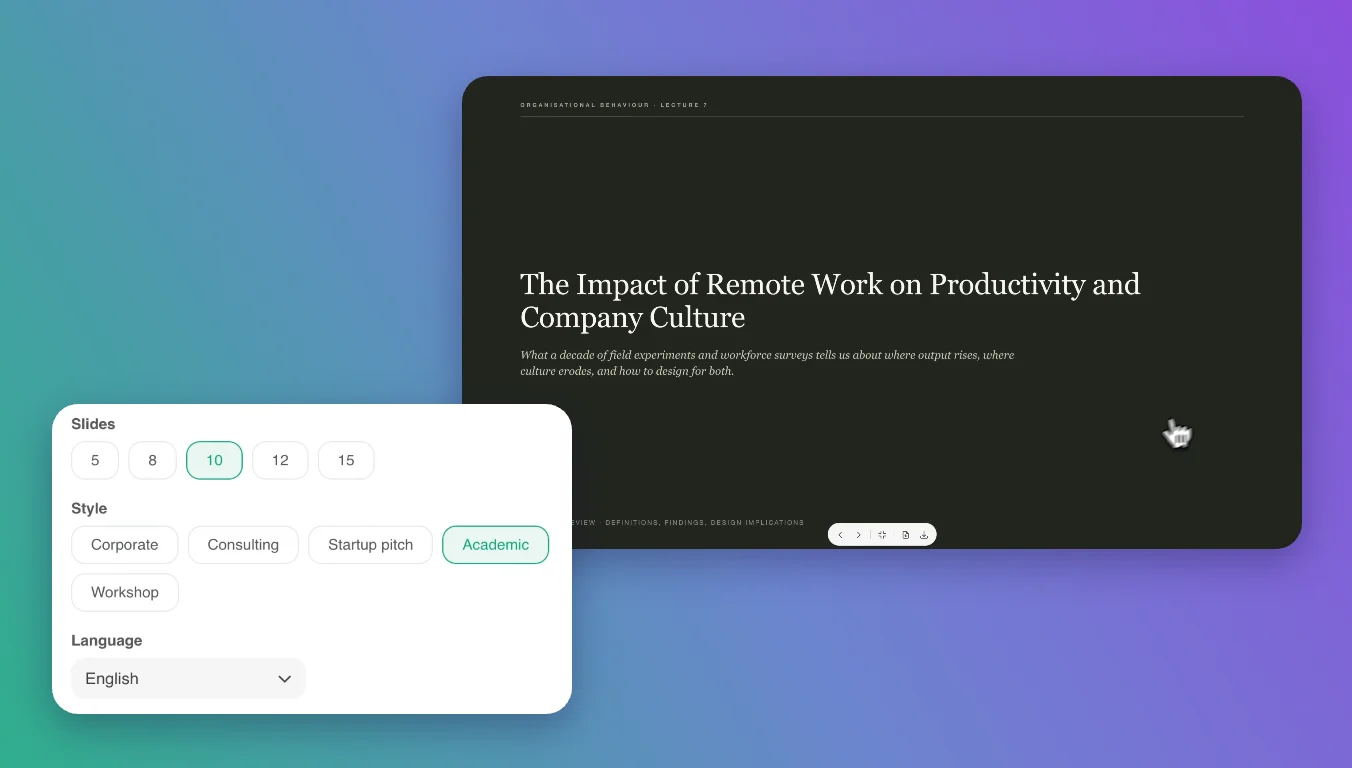
Choose 5 to 15 slides, a style from Corporate, Consulting, Startup pitch, Academic or Workshop, and the language you want the deck in.
Present, print or download
Present your deck full screen in the browser, save it as a PDF or download it as an HTML file.
More in Slides
Questions? Answered.
How many slides can I create?
Each deck can have 5, 8, 10, 12 or 15 slides. Pick the count before you generate.
Do I need PowerPoint to present?
No. Present the deck full screen in your browser, or save it as a PDF or HTML file to share.
Keep the best AI
one click away.
Join over three million people who chat, write and create faster with AI Sidebar.
Open this page on your computer to install.