Every top AI model.
One chat.
Talk to GPT, Claude, Gemini and DeepSeek in one sidebar. Switch models mid-conversation or compare their answers side by side, without leaving your tab.
AI Sidebar is a desktop Chrome extension. Open this page on your computer to install it.
Bring the page, your files and screenshots into the chat
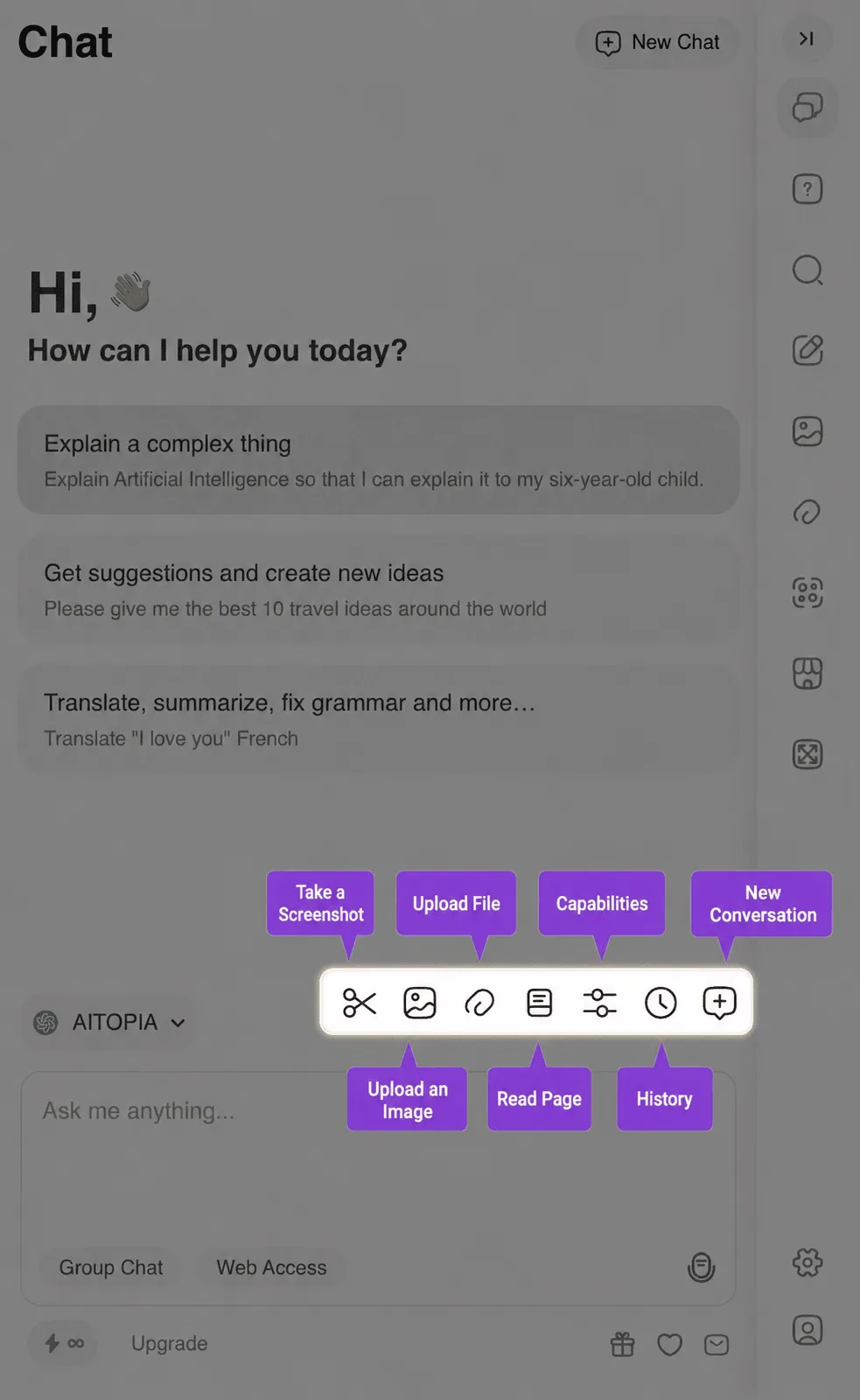
Read the page you are on in one click, upload PDFs, DOCX and XLSX files, or drop in a screenshot, then summarize it or ask anything about it.
Live answers from the web
Turn on Web Access and the AI fetches up-to-date information instead of relying only on its training data.
Pick the right model for every task
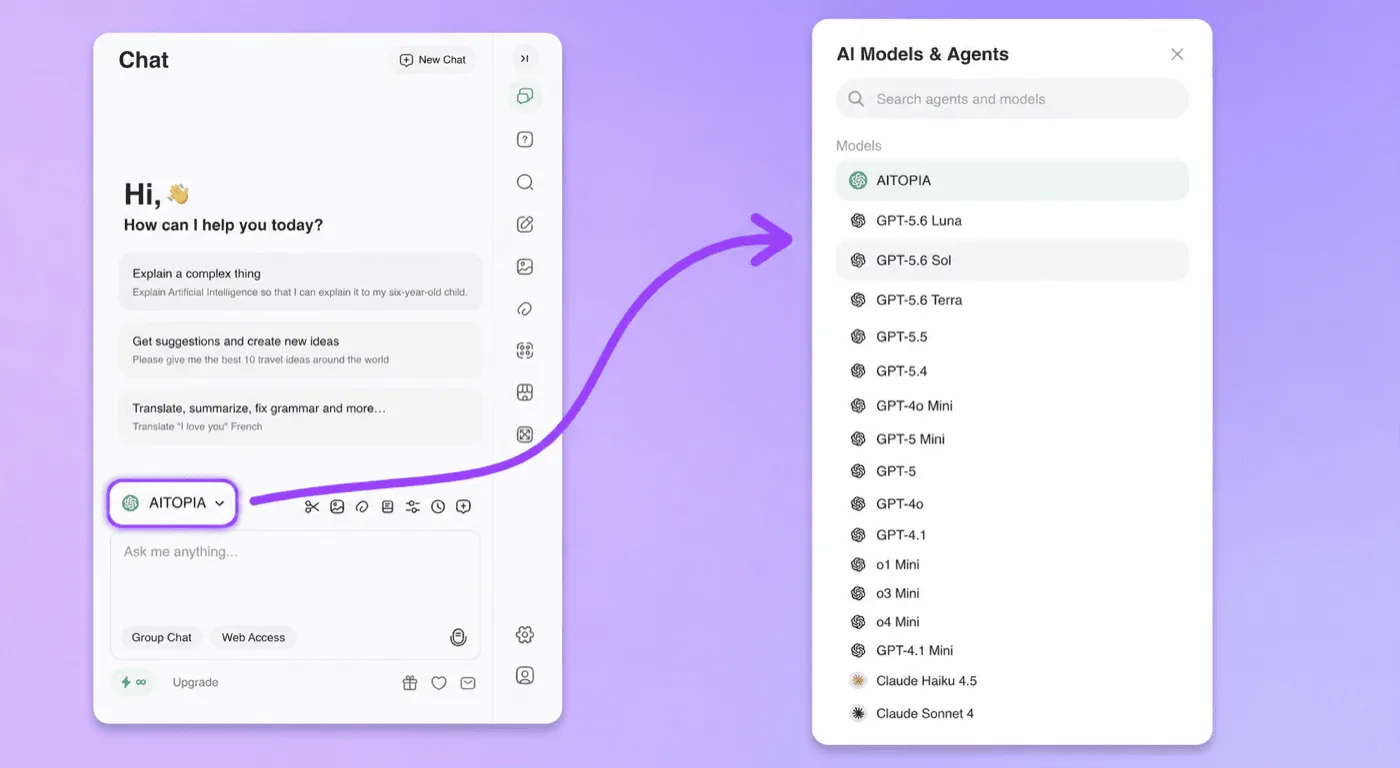
Choose from the latest GPT, Claude, Gemini and DeepSeek models in one selector, and switch whenever you like.
More in Chat
Questions? Answered.
What is AI Sidebar?
AI Sidebar is an AI-powered browser extension by AITOPIA that adds a sidebar assistant to your browser. It lets you chat with leading AI models like GPT, Claude, and Gemini, write and reply to messages, summarize web pages and YouTube videos, analyze images, and use ready-made AI Agents - all without leaving the page you're on.
Does AI Sidebar work on every website?
Yes. The AI Sidebar sidebar opens on any web page, and extra features appear automatically on YouTube and in your search results.
Keep the best AI
one click away.
Join over three million people who chat, write and create faster with AI Sidebar.
Open this page on your computer to install.